
TP/SL execution mode
The execution mode defines who watches the price for Take Profit and Stop Loss: the terminal on your computer or the exchange.
Where to switch
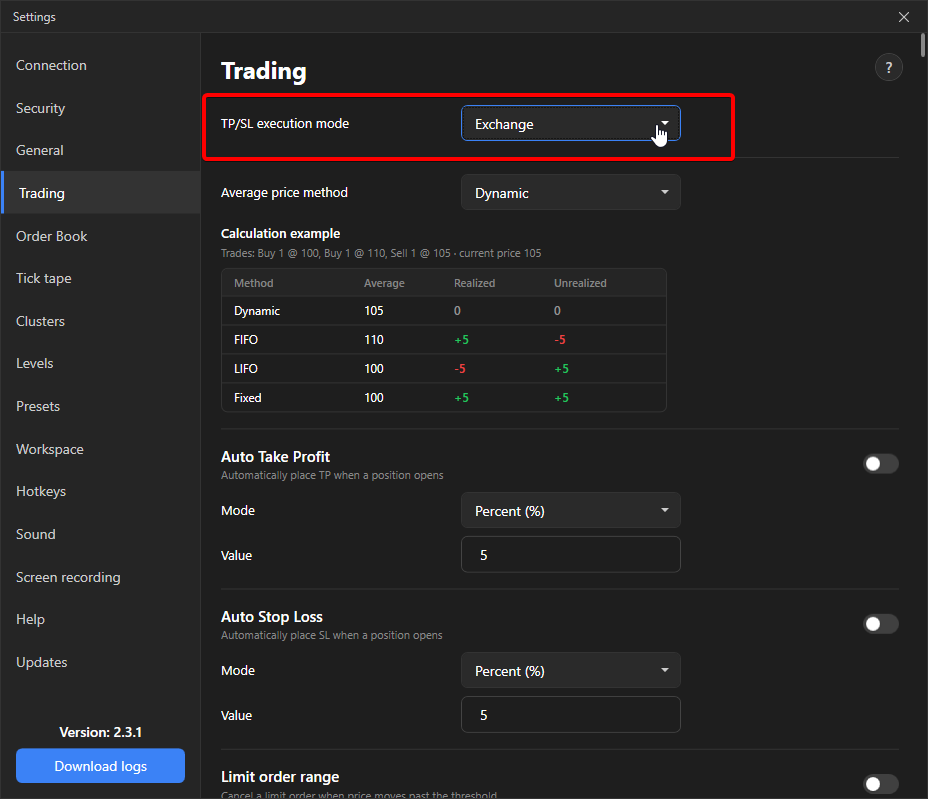
Section titled “Where to switch”Settings → Trading → TP/SL execution mode. One setting for all instruments. Default: Exchange.
Two modes
Section titled “Two modes”| Mode | How it works | When it fires |
|---|---|---|
| Exchange | A conditional order is placed on the exchange. The exchange watches the price and executes it. | Works with the terminal closed, the connection lost and the computer off. |
| Local | The terminal checks the price on every trade and, when the level is reached, sends a market order to close. | Works only while the terminal is running and connected to the exchange. No order is created on the exchange. |
In local mode a closed terminal, lost internet or a frozen computer leaves the position without a stop. If you are not ready to keep the terminal under constant control, use the exchange mode.
Exchange specifics in exchange mode
Section titled “Exchange specifics in exchange mode”| Exchange | Specifics |
|---|---|
| Binance Futures | A conditional order for the whole position, the exchange tracks the volume. |
| Binance Spot | TP and SL together are placed as one linked OCO order, so the coins are not locked twice. |
| Bybit Futures | A position stop, the exchange tracks the volume. Hedge mode is not supported. |
| OKX Futures | A conditional order for the whole position. In Portfolio Margin mode the exchange rejects such orders, the terminal shows an error. |
| OKX Spot and Bybit Spot | Conditional orders with the volume at the time of placement, without automatic adjustment by the exchange. |
| MEXC Futures | An order with a fixed volume. When the position changes the terminal recreates it; for up to a second the position has no exchange stop. |
| Bitget Futures | A position stop by mark price. |
| BingX | Changes made on the exchange website are picked up by the terminal with a delay of up to 10 seconds. |
| Gate Futures | A position stop, the exchange tracks the volume, triggers by mark price. Pending orders trigger by the last price. |
| Gate Spot | Conditional orders with the volume at the time of placement, without automatic adjustment by the exchange. The exchange keeps them for 30 days. |
| KuCoin Futures | A position stop, the exchange tracks the volume, triggers by mark price. Pending orders trigger by the last price. |
| KuCoin Spot | Conditional orders with the volume at the time of placement, without automatic adjustment by the exchange. |
Pending orders
Section titled “Pending orders”Pending orders (V mode) are always stored on the exchange, the execution mode does not affect them.
Trading lock
Section titled “Trading lock”Under the lock local stops do not fire, exchange stops keep working: they are already on the exchange.