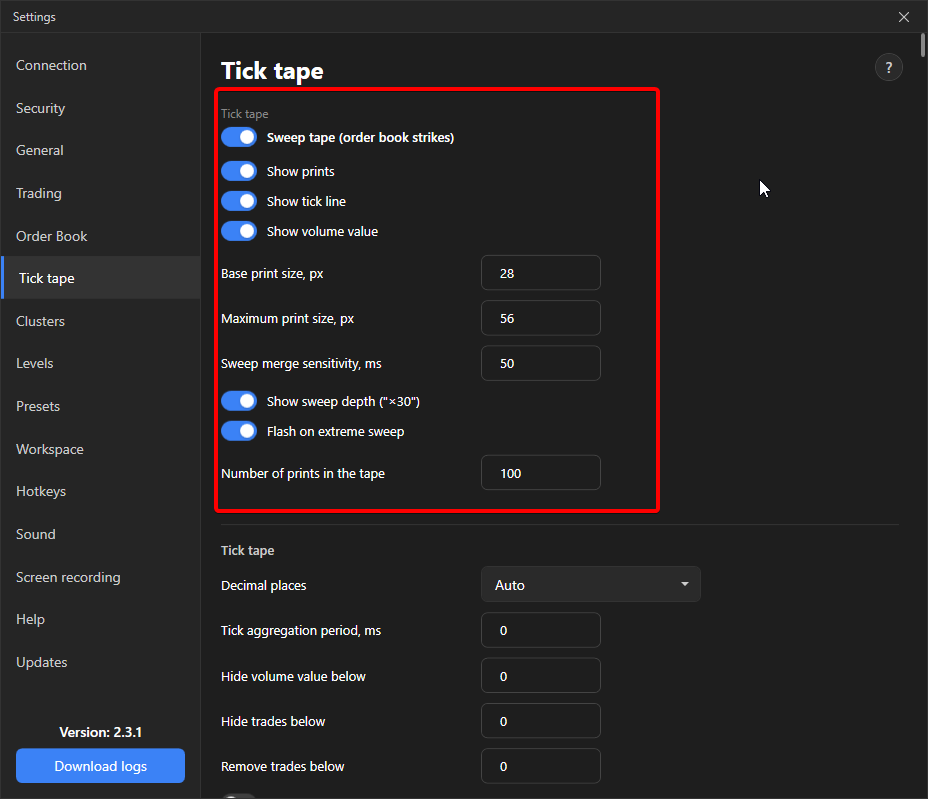
Sweep tape (order book sweeps)
The sweep tape shows not individual trades but sweeps: large market orders that went through several prices at once.
The exchange does not report “one order for $80,000”. It sends it in pieces, one trade per price taken. The regular tape draws these pieces separately, and a large order looks like five small ones. The sweep tape glues them back into one event.
What counts as a sweep
Section titled “What counts as a sweep”- A series of trades on one side where the price of each next one moves in the direction of aggression: higher for buys, lower for sells.
- The gap between trades is no more than the “Sweep merge sensitivity”, 50 ms by default. The value 0 disables merging.
- Trades at the same price are not merged into a sweep and remain separate prints: this shows absorption, when the aggressor is not let further.
What it looks like
Section titled “What it looks like”- The print is always a circle. The size shows not the volume but the sweep depth: how many prices it took. Steps: 1, 2, 3, 5, 8 and 13 levels or more.
- “Base print size” is the circle of a regular trade at one price, 28 px by default. “Maximum size” is the ceiling, 56 px by default, above which the circle does not grow.
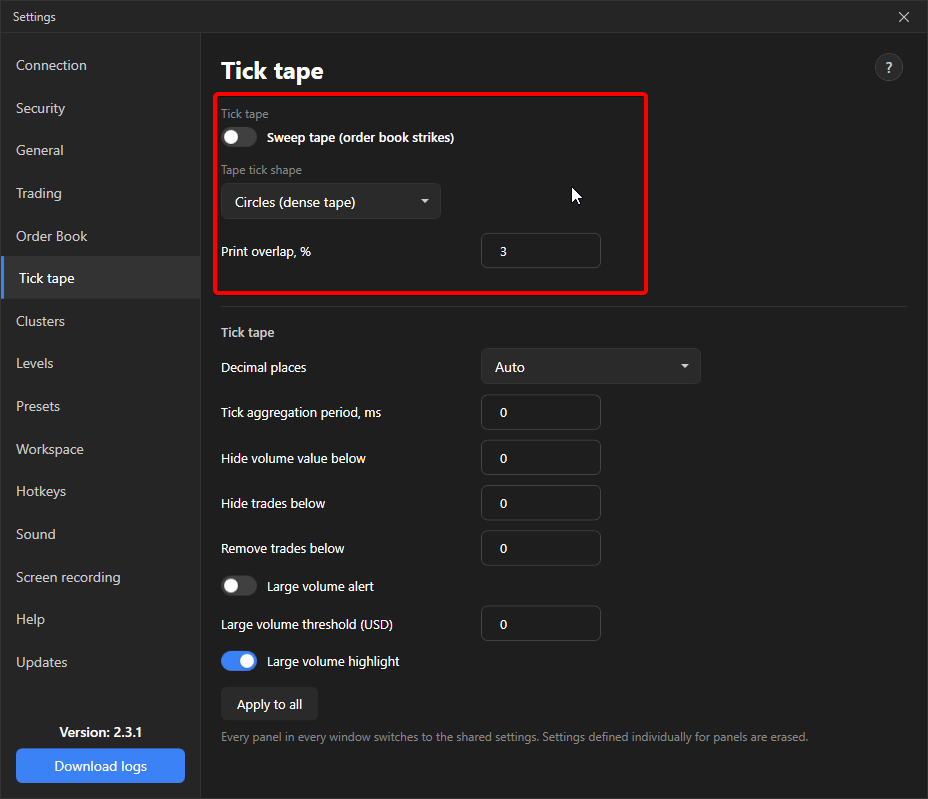
- The volume is written as a number inside the circle. Print overlap is not applied in this mode.
- The depth is labelled on the right as “×N”, extreme sweeps flash: Sweep depth and extreme sweeps.
Filters
Section titled “Filters”Merging happens before the filters. So a sweep of $80,000 assembled from $100 pieces does not disappear with the filter “remove trades below $500”. “Aggregate ticks over a period” in this mode merges already merged sweeps, the depth is taken as the maximum.
Enabling
Section titled “Enabling”Settings → Tick tape → Sweep tape (order book sweeps). The setting is common for all panels. Print shape and overlap are unavailable in this mode.