
Tick line and volume as a number
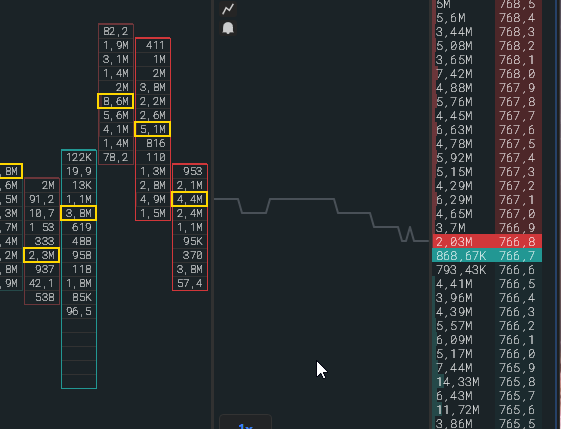
The tick line is a micro-chart of the price along the tick tape, and volume as a number is the label on each print.
Tick line
Section titled “Tick line”- The line connects the centers of the prints and ends at the right edge at the current price.
- If the price moves without trades, the line still gets a point: it takes a place in the tick tape as an empty print. So on a quiet market the tick tape keeps moving.
- The line is drawn under the prints, the volume numbers on top of it.
- In the regular tape the line is always there. To see only the line without prints, choose the “Line” shape in Settings → Tick tape.
- In the sweep tape the line and the prints are enabled separately: “Show tick line” and “Show prints”.
Volume as a number
Section titled “Volume as a number”- In the regular tape the number is inside the print, with K, M, B suffixes, in coins or dollars by the $ button.
- In the sweep tape the number is inside the circle. The font adapts to the circle size, not the other way round: the circle size shows the sweep depth and does not depend on the number length. Disabled with the “Show volume as a number” switch.
- Decimal places are set in the panel gear, “Tick tape” tab.