
Trader's diary
The trader’s diary is a list of closed trades from the Trade System personal account, to which you add entry and exit reasons and a comment. Entries are visible both in the terminal and in the web account.
Where it is
Section titled “Where it is”Top bar → Windows → Trader’s diary.
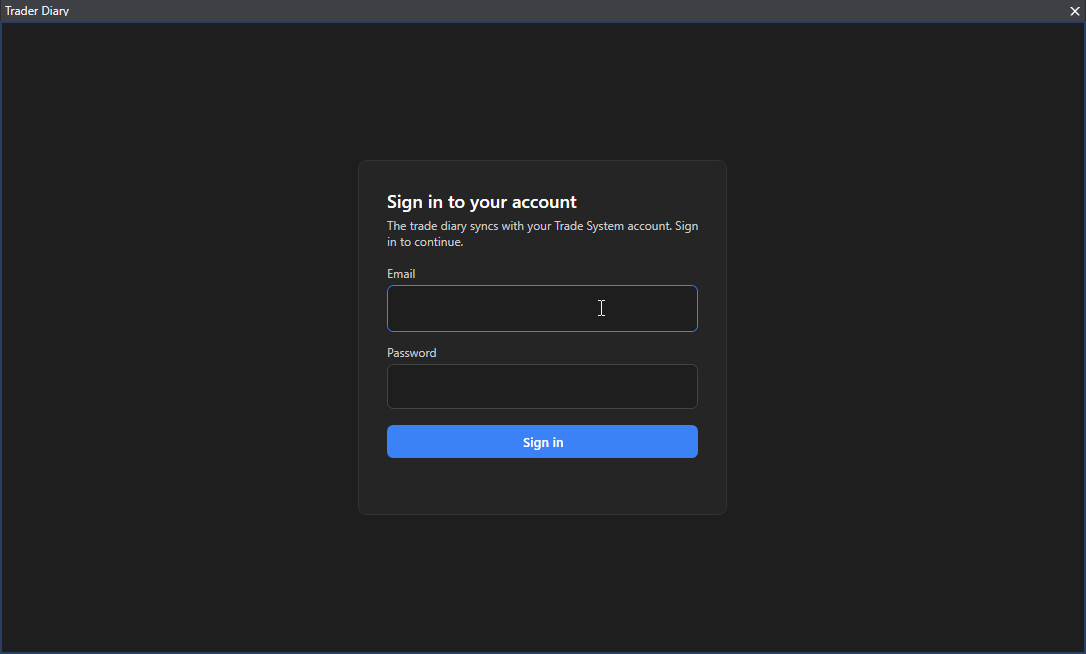
You need the email and password of the Trade System personal account. This is a separate account, not the terminal license. The terminal remembers the login for about 30 days, then asks to log in again: “Session expired — log in again”. The “Log out” button ends the session.
How it works
Section titled “How it works”- Trades are added to the diary by the personal account, which syncs them with the exchange. The terminal does not create them, only shows them.
- Diary exchanges: Bybit, Binance, MEXC, Bitget. OKX is not in the diary.
- Columns: open time, symbol, direction, entry, exit, volume, PnL, exchange, market, entry reasons, exit reasons, comment.
- Filters: exchange, symbol, direction, result. Pages with the “Per page:” selection.
- A double click on a trade opens the “Trade diary” window: choose entry and exit reasons from the list, add your own reasons, a comment, “Save”.
- The “Refresh” button re-reads the list.
Good to know
Section titled “Good to know”- The diary is not connected to the “History” panel: these are different lists.
- “Sync with the exchange failed”: the account could not update the trades, try later.