
Security
The Security tab manages the PIN code that protects the saved API keys.
Where it is in SmartDOM
Section titled “Where it is in SmartDOM”Settings → Security. The ? icon in the top right corner of the tab opens this article.
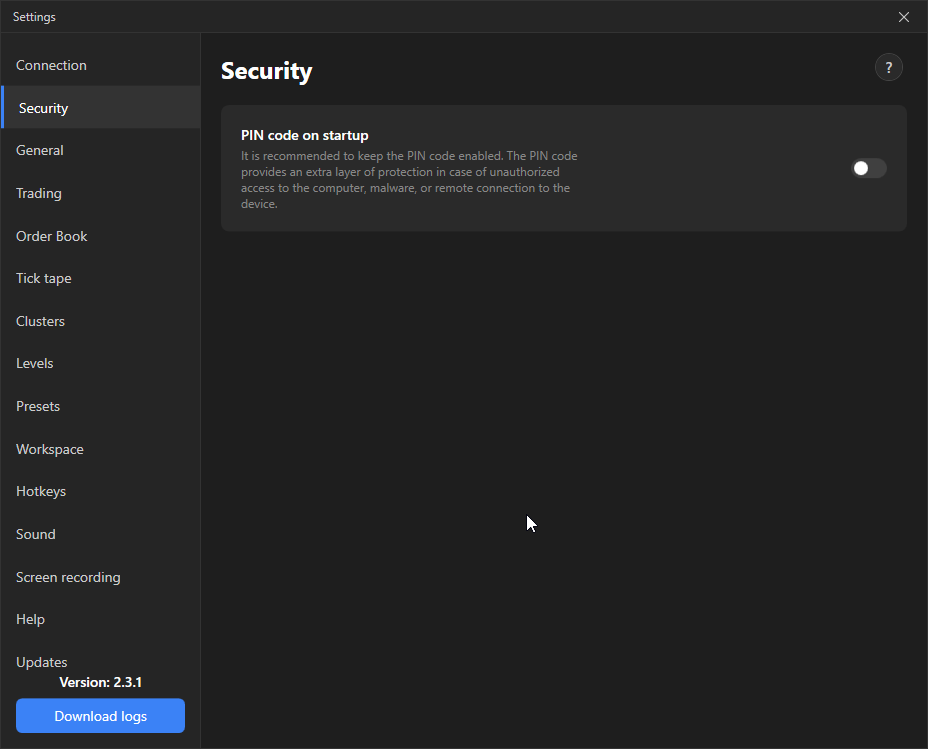
Settings
Section titled “Settings”| Setting | What it does | Default |
|---|---|---|
| PIN code at startup | The terminal asks for the PIN at every launch. A key derived from the PIN encrypts the connections’ API keys. It is recommended to keep it on. | On after the first launch |
How it works
Section titled “How it works”- On the first launch the terminal asks you to create a PIN of at least 4 digits.
- All API keys are stored on the computer encrypted. Without the PIN they cannot be decrypted, even if the terminal files are copied.
- Three wrong entries in a row: the PIN is reset and all saved connections are deleted. The same happens with the Forgot PIN button. The keys will have to be entered again; they remain on the exchanges.
- If the PIN is turned off, the keys are still encrypted, but with a fixed key rather than yours. This protects against casual viewing of the file, not against deliberate access to the computer.
The terminal does not store the PIN anywhere and cannot recover it. A forgotten PIN means re-entering all API keys.