
Positions
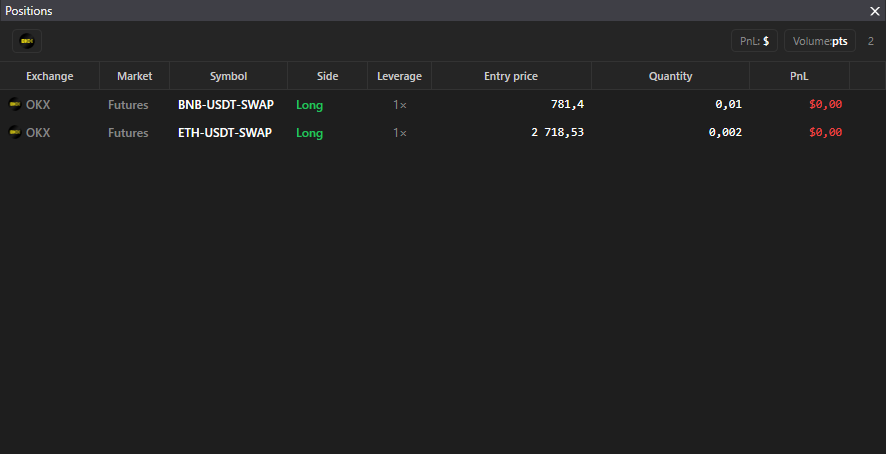
The “Positions” panel shows open positions on all connected exchanges.
Where it is
Section titled “Where it is”Top bar → Windows → Positions.
Columns
Section titled “Columns”Exchange, Market, Ticker, Side (Long or Short), Leverage, Entry price, Volume, PnL. A right click on the header hides columns. At the bottom a counter “N positions”, empty table: “No open positions”.
Display modes
Section titled “Display modes”- The PnL button switches $ → % → points.
- The volume button switches coins ↔ dollars.
Good to know
Section titled “Good to know”- The panel only shows positions. Closing is done from the order book: Long / Short. A double click on a row opens the instrument’s order book.
- On spot a position is the coin bought to the balance. The entry price is calculated from your trades; a coin bought outside the terminal has a zero entry price and PnL.
- PnL is calculated from the order book, not from the exchange mark price, so it may differ from the exchange website: Average price calculation.
- The entry price depends on the selected average price method.